Source
GitHub
2.5w
Quick answer
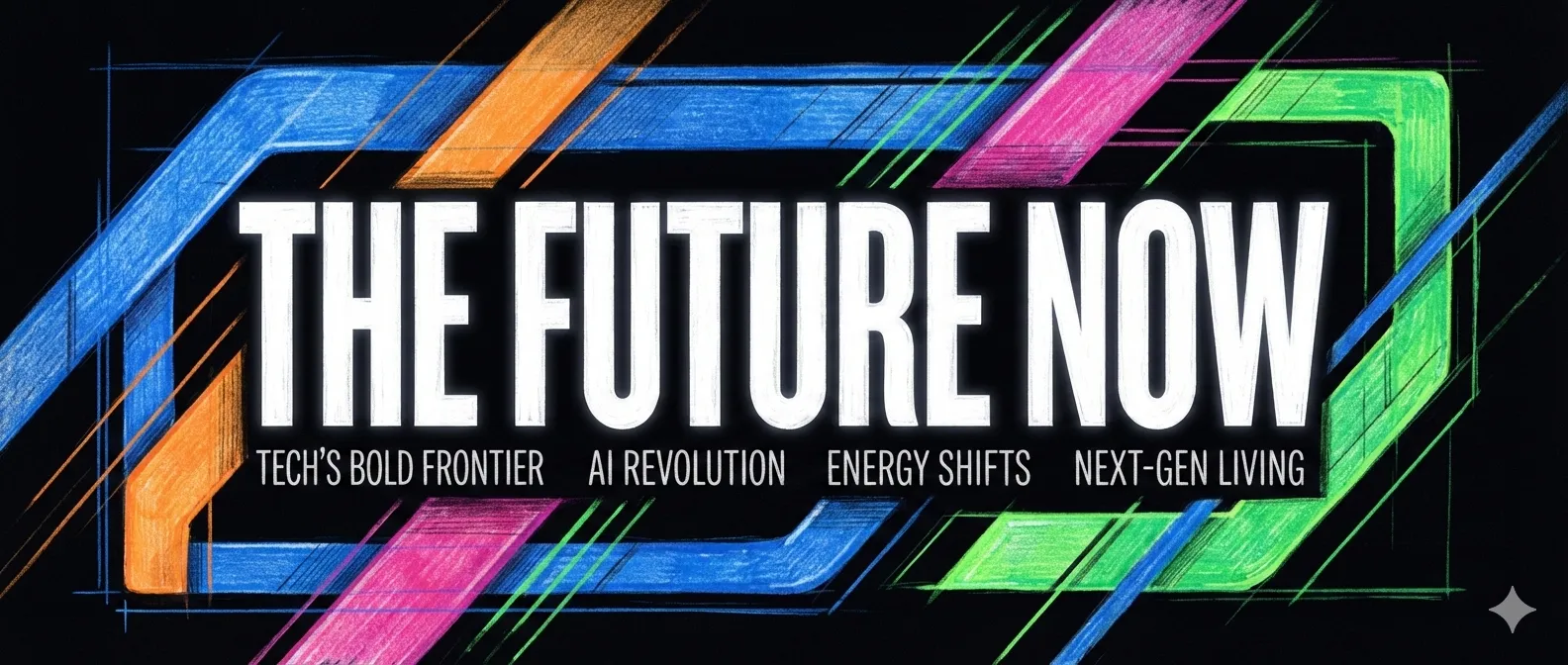
Use this skill when the opening image needs to communicate what a piece of marketing content is about before anyone reads the copy. It organizes the visual brief around subject, palette, rendering, text treatment, mood, and aspect ratio.
What it can help you make
- Covers for articles, launch posts, and social updates.
- Horizontal, square, portrait, or cinematic visual directions.
- Conceptual, editorial, product-led, or typography-led treatments.
The useful output is a clearer visual decision, not a promise that any image model will render perfect text on the first attempt.
How to use it well
Provide the title, audience, publishing channel, and any non-negotiable product image or brand cue. Choose one visual idea rather than packing every feature into a single image. When a cover contains text, check the final image carefully—image models can still make typographic mistakes.
When it fits
Use it when one strong image should introduce a story. It is less suitable for a multi-page social carousel or an explanatory diagram with several steps.
Continue with
Article Illustration Skill: Make a Long Read Easier to Understand
Find the moments in an article that need a visual explanation, then create a consistent set of supporting illustrations.
Creator Cover Skill: Design a Face-Led Cover for Your Next Post
Build a clear 3:4 cover brief for Xiaohongshu or WeChat content, with a creator face, product proof, and a strong title treatment.