Copy-ready GA4 link
Keep the original path, query parameters, and #fragment while adding one valid set of UTM tags.
Add the destination, source, medium, and campaign once. Get a clean GA4-ready URL with every automatic fix explained.
Keep the original path, query parameters, and #fragment while adding one valid set of UTM tags.
Normalize spaces and letter case so one source does not split into several rows in GA4.
See every replaced or normalized value. The destination URL never leaves your browser.
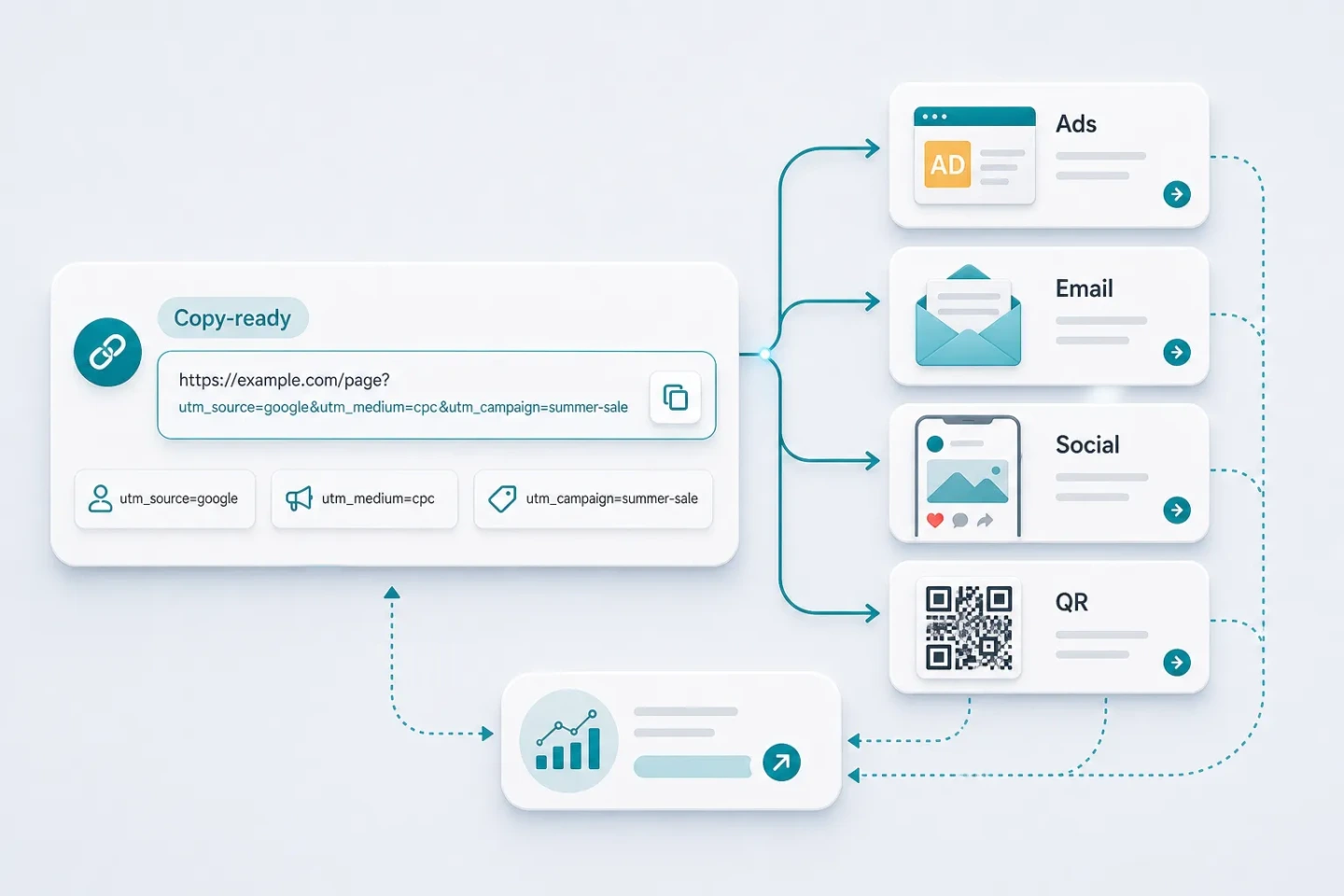
Use utm_source for where traffic came from, utm_medium for the channel type, and utm_campaign for the specific launch. Optional term and content fields separate paid keywords and creative variants.
The same structure works for ads, email, social posts, partners, influencers, and QR codes, so the team can compare channels in one GA4 acquisition report.
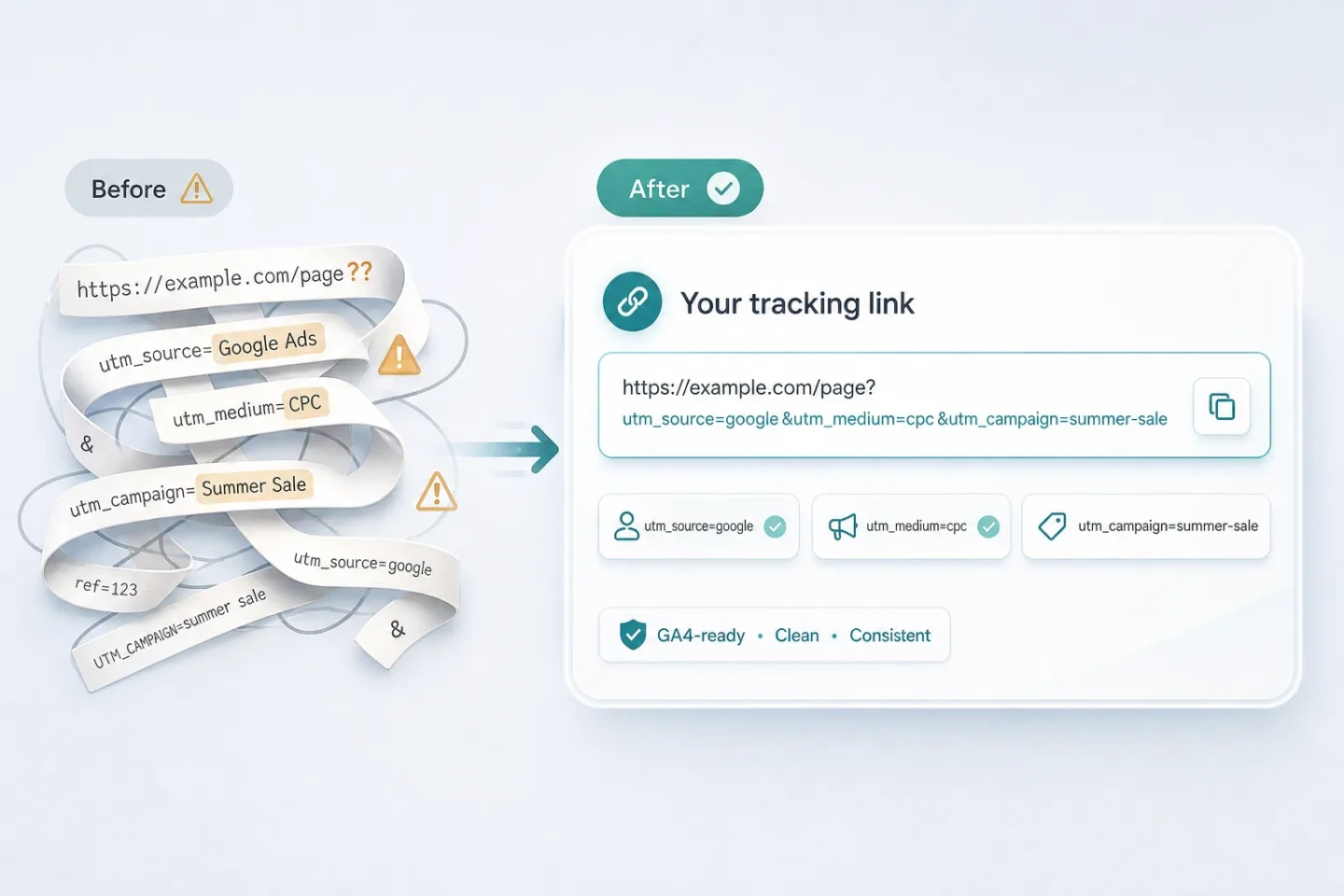
Spaces become hyphens and uppercase letters become lowercase when the recommended toggle is on. Existing UTM tags are replaced instead of duplicated.
Every change appears in the result, and existing non-UTM query parameters plus the #fragment stay in the correct position.
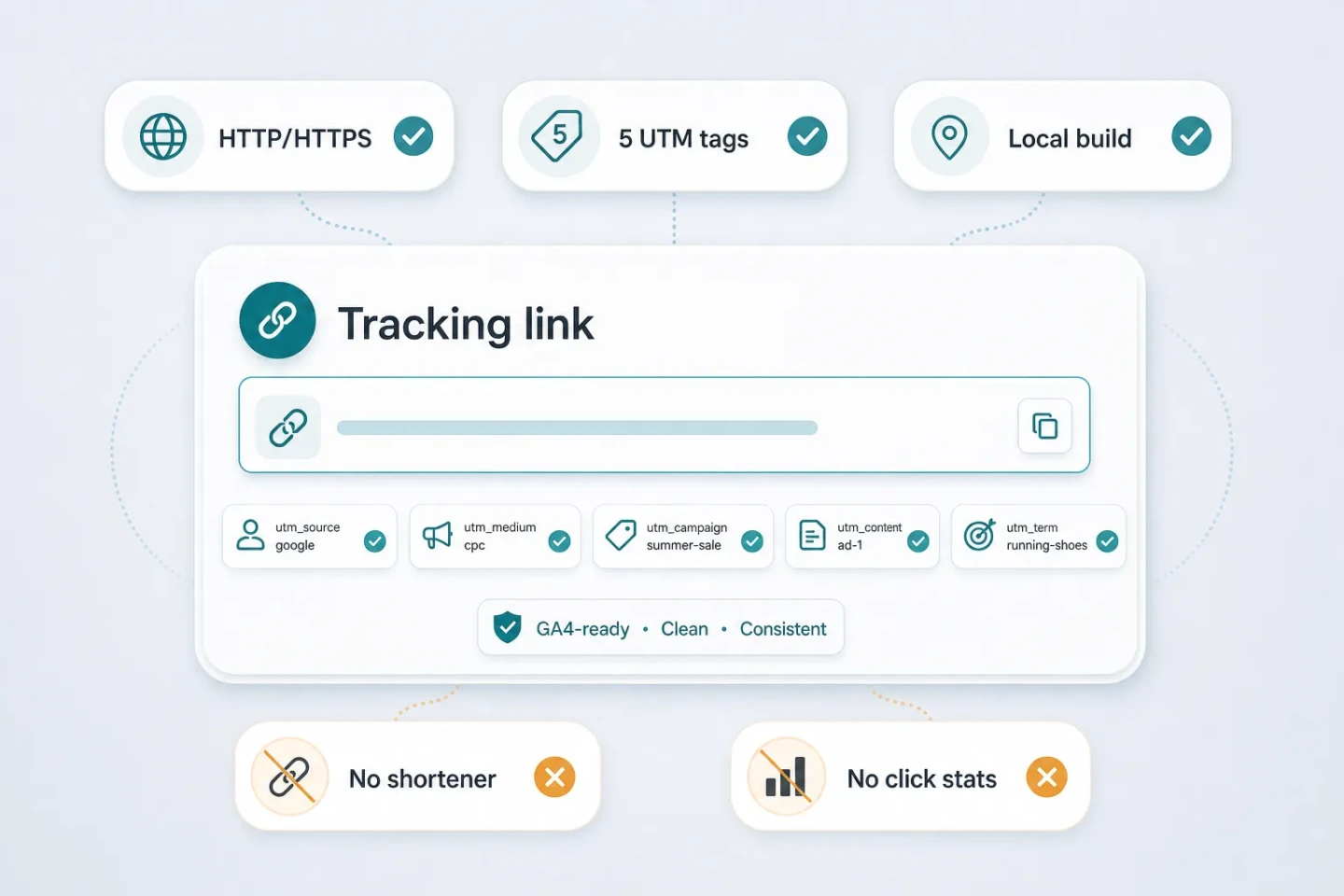
The builder accepts http and https destinations and creates one link at a time. It rejects mailto and ftp links, and it does not shorten URLs, count clicks, or run bulk spreadsheet jobs.
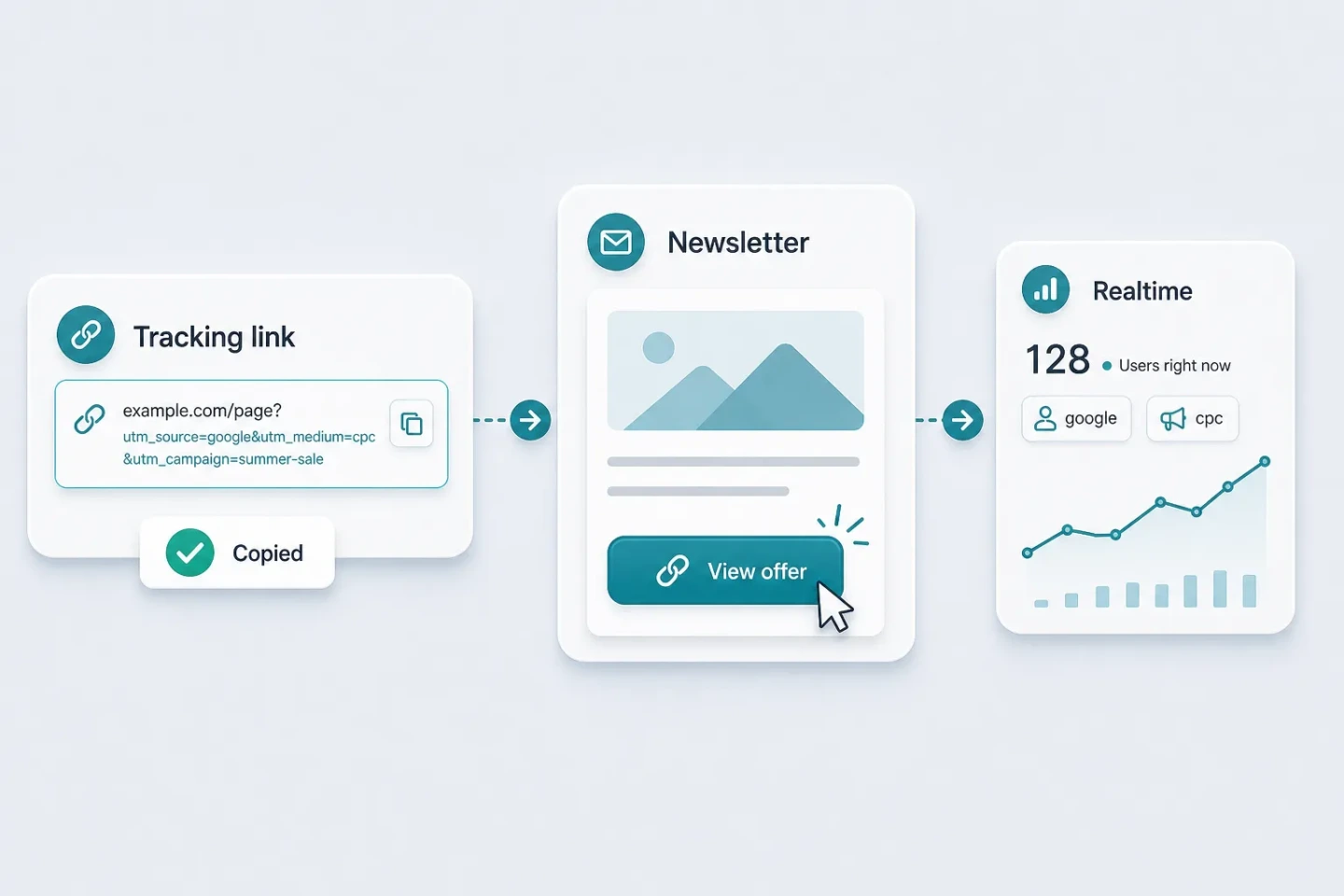
Do not add UTM tags to links between pages on your own site because they overwrite the original acquisition source. Test the final link once and confirm it in GA4 realtime reports before launch.
Check naming, GA4 compatibility, privacy, and the cases where UTM tags should not be used.
Urchin Tracking Module — named after Urchin, the analytics company Google acquired before building Google Analytics. In practice it means the five utm_ query parameters that tell GA4 where a visit came from; a UTM maker like this one appends them to your URL correctly.
A URL with two sets of UTM tags produces unpredictable attribution, so the builder keeps exactly one set — the values you just entered — and lists the replaced keys in the auto-fix notes so you can double-check.
Yes. utm_source, utm_medium, utm_campaign, utm_term, and utm_content are the standard parameters GA4 reads for session and traffic acquisition reports, and the same tags are recognized by Google Ads, Mixpanel, Matomo, and most analytics tools.
Strongly recommended. UTM values are case-sensitive in GA4, so Google and google are counted as two different sources. Keeping everything lowercase is the simplest convention — that is why the lowercase toggle is on by default.
No. The link is built entirely in your browser with no network request, so unlaunched campaign URLs, internal domains, and staging links stay on your machine.
Never tag links that point from one page of your site to another. Clicking an internal UTM link starts a new attributed session and overwrites the real traffic source, corrupting your reports.