Source
GitHub
2.5w
Quick answer
This skill helps turn one article, product lesson, or campaign angle into a series of social image cards. Its value is not simply producing pictures: it decides how to split a message so the cover attracts attention and later cards make the point easy to follow.
What it can help you make
- A 1–10 card Xiaohongshu or Rednote post.
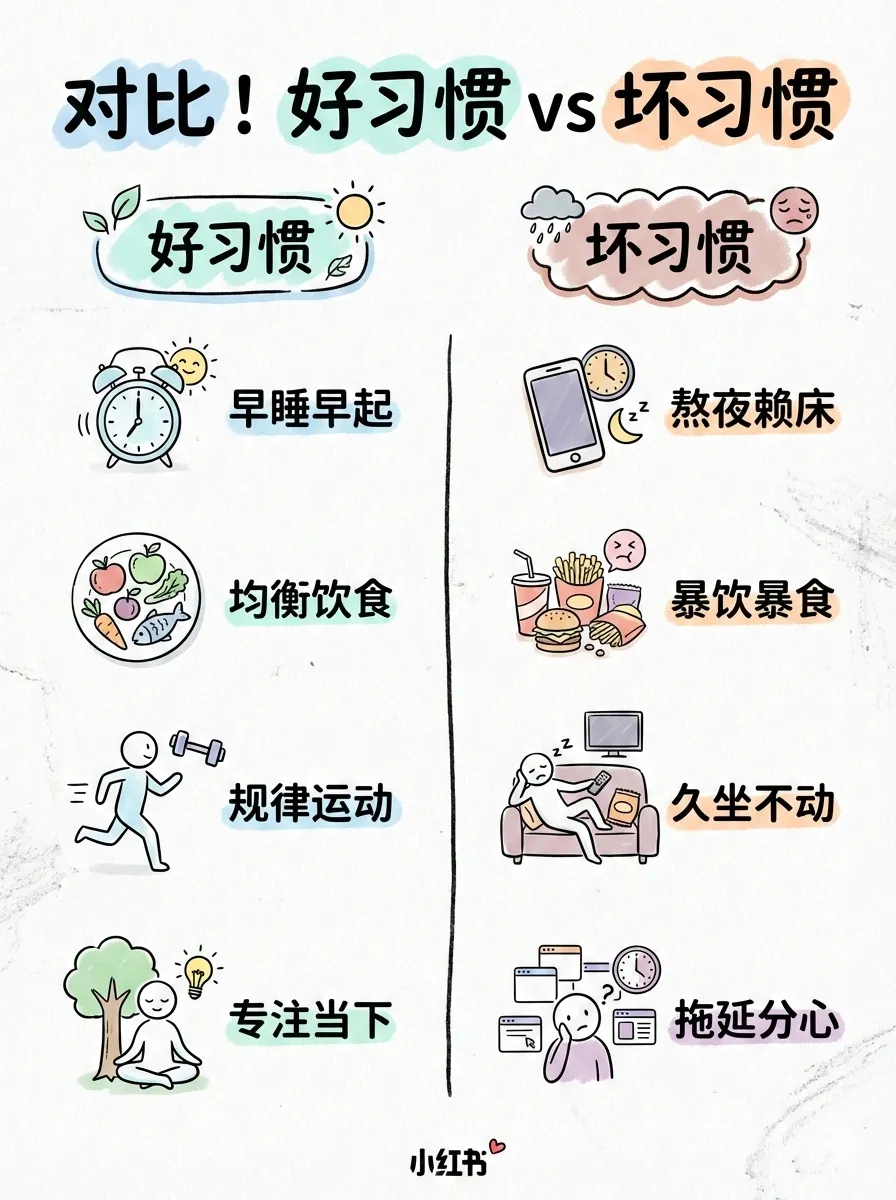
- Cover, checklist, comparison, process, and knowledge-card layouts.
- A consistent visual direction for a single social post.
You can choose an overall style and a layout density, or let the workflow suggest one from the source content.
How to use it well
Give it a clear audience and one message worth saving or sharing. Keep one idea per card, reserve the first card for a useful hook, and use screenshots or data when they make the claim more believable. Avoid asking one carousel to explain an entire product.
When it fits
Use it for educational posts, launch explainers, lists, and comparisons. If the main job is a horizontal article cover or an in-article visual, choose a more focused cover or illustration skill instead.
Continue with
Social Card Skill: Turn One Story into a Visual Content Series
Turn an article, product update, or set of screenshots into a structured social-card series or a WeChat cover pair.
Cover Image Skill: Give Every Marketing Story a Clear First Frame
Create a focused cover direction for articles, launches, and social posts by choosing the right visual idea, mood, ratio, and text treatment.